jupyter_contrib_nbextensions安装失败问题
目录
1.文件路径长度问题
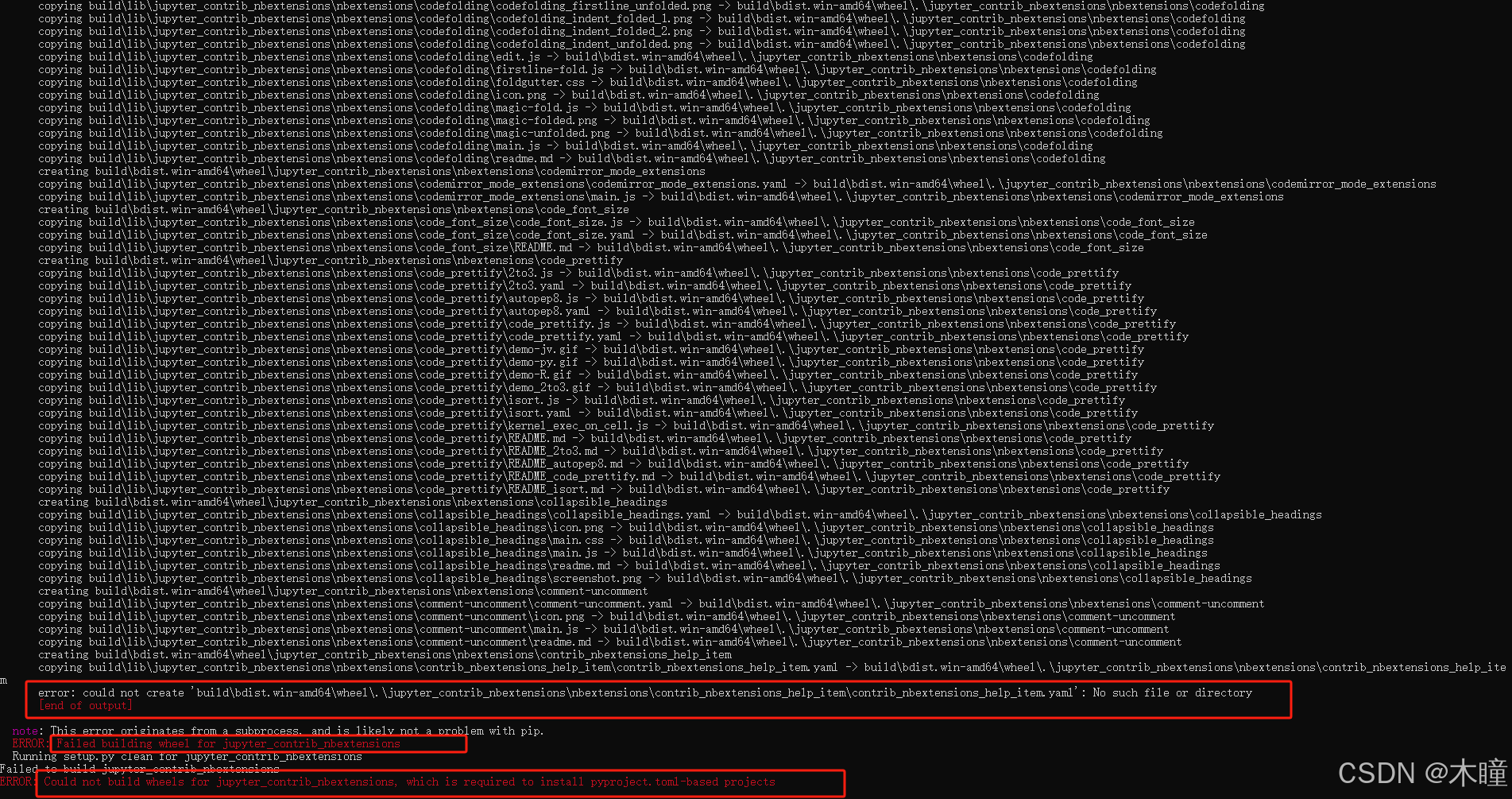
问题:
could not create 'build\bdist.win-amd64\wheel.\jupyter_contrib_nbextensions\nbextensions\contrib_nbextensions_help_item\contrib_nbextensions_help_item.yaml': No such file or directory
解决方法:
需要更改注册表,
输入 regedit,设置
\HKEY_LOCAL_MACHINE\SYSTEM\CurrentControlSet\Control\FileSystem路径下的变量 LongPathsEnabled, 将其置为 1,重新运行pip
2.jupyter不出现Nbextensions选项
问题:
jupyter安装Nbextensions后不出现Nbextensions选项安装Nbextensions的命令:
pip install jupyter_contrib_nbextensions jupyter contrib nbextension install --user pip install jupyter_nbextensions_configurator jupyter nbextensions_configurator enable --user解决方法:
conda install -c conda-forge jupyter_contrib_nbextensions选择"Autopep8"和"Hinterland"即可
评论 (0)